Dashboard Audit Logs
The logs on the Cakey Bot web dashboard: dashboard changes, moderation actions, Auto Mod hits, warnings, persistent roles and temporary actions.
Overview
Cakey Bot provides several logs on the website. They include changes to bot settings made on the dashboard, moderation actions taken by moderators or Auto Mod, and lists of persistent roles or temporary actions applied to users.
How to locate your Website Logs
- Go to the Web Dashboard and select your server.
- Select the type of logs you want to look at from the sidebar. (Logs, Warnings, Persistent Roles, or Temporary Actions)
- If you selected Logs, you can narrow it down with the Dashboard, Moderation or Auto Mod tabs.
- Scroll down the page to switch pages and see the number of results shown per page.
Dashboard Logs
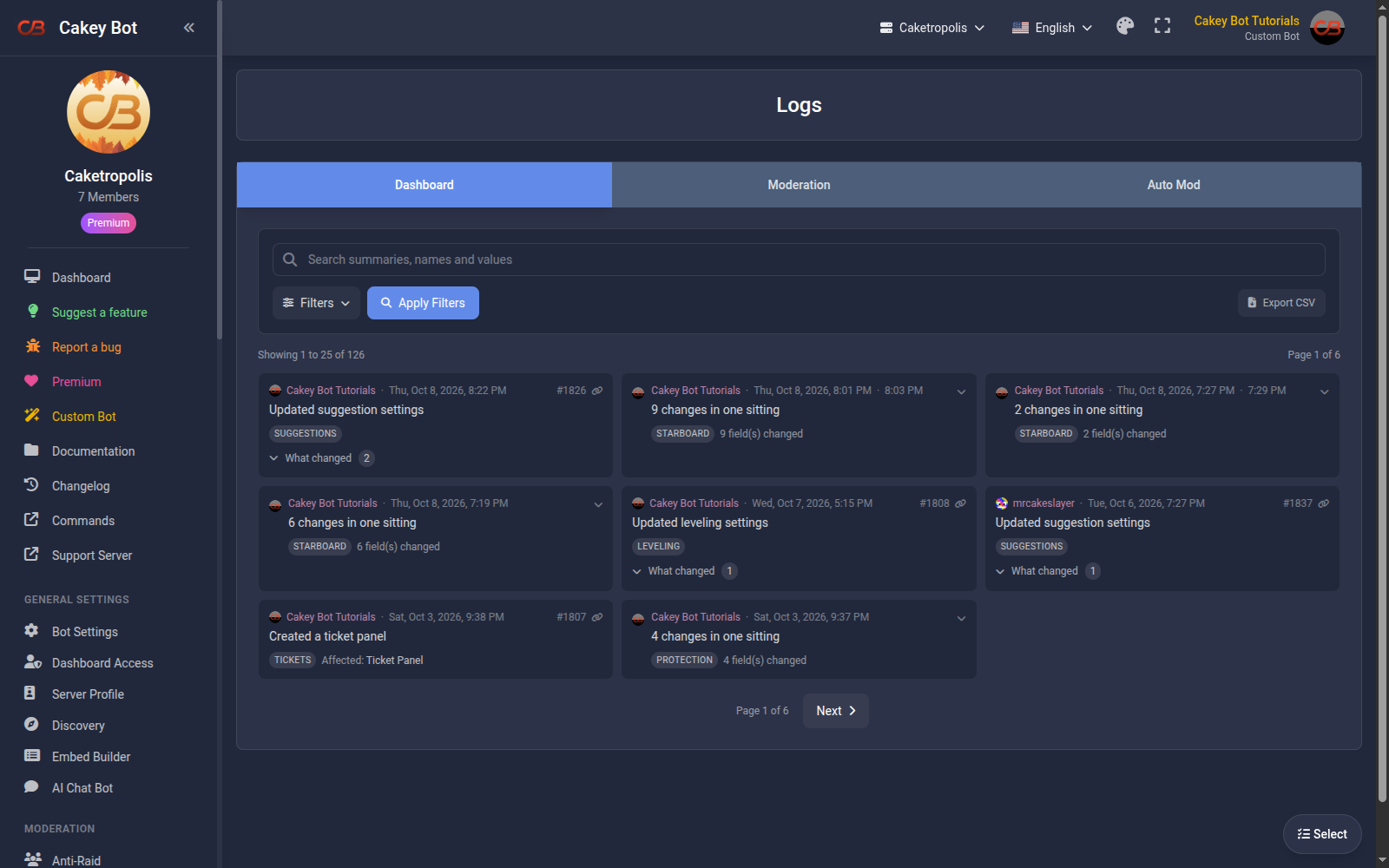
These logs are added whenever someone with Administrator or Manage Server permissions (or a user/role granted Dashboard Access) uses your Dashboard to change a Bot setting. Each entry includes the time of the change, the Administrator's Discord tag, and what change they made.
Moderation Logs
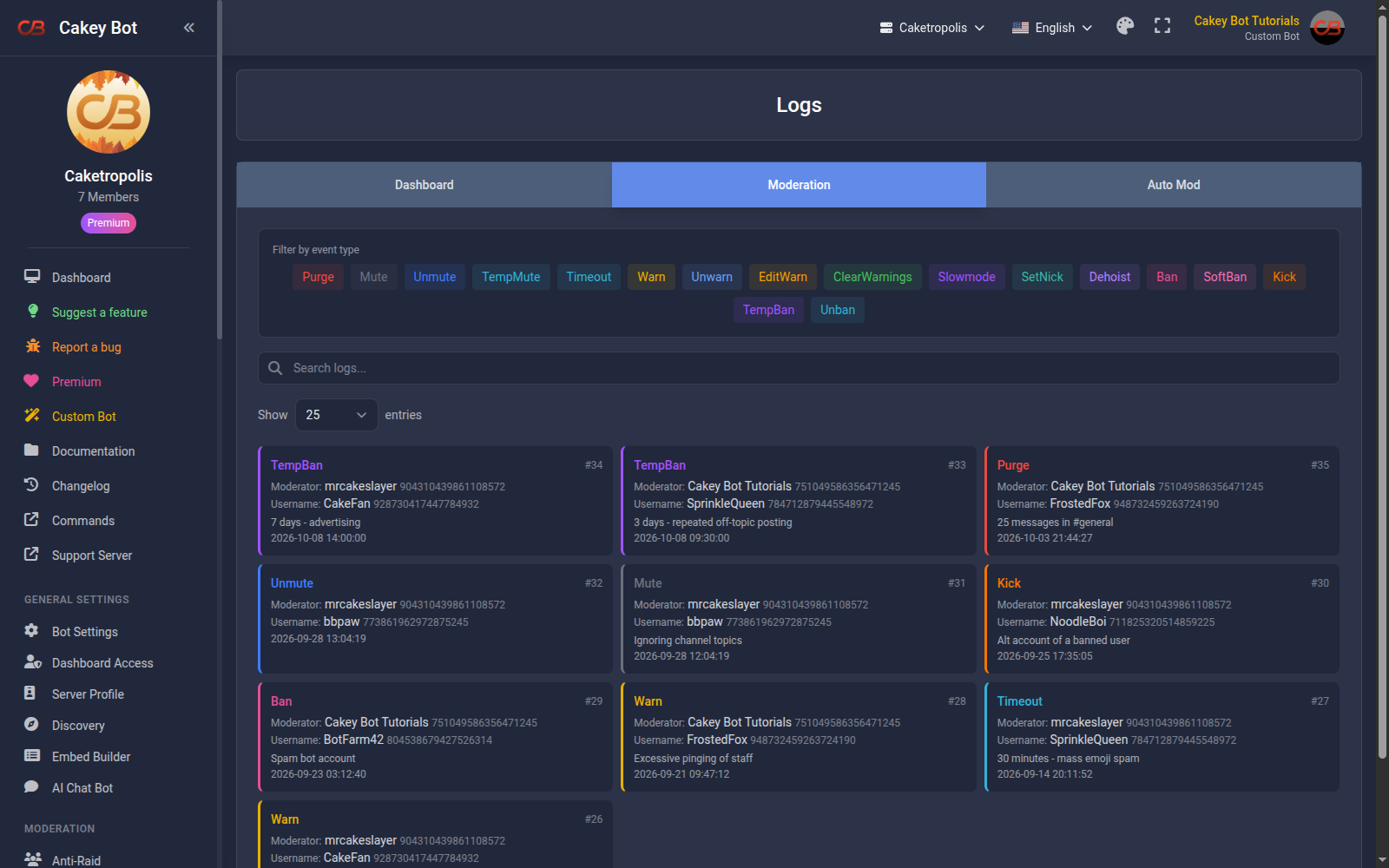
These logs are added whenever one of your Server Moderators successfully uses a moderation command on a user and it creates a mod log. Each entry includes the time of the moderation, which action was performed, the Discord tag of the user who was moderated, and the Discord tag of the moderator.
Auto Mod Logs
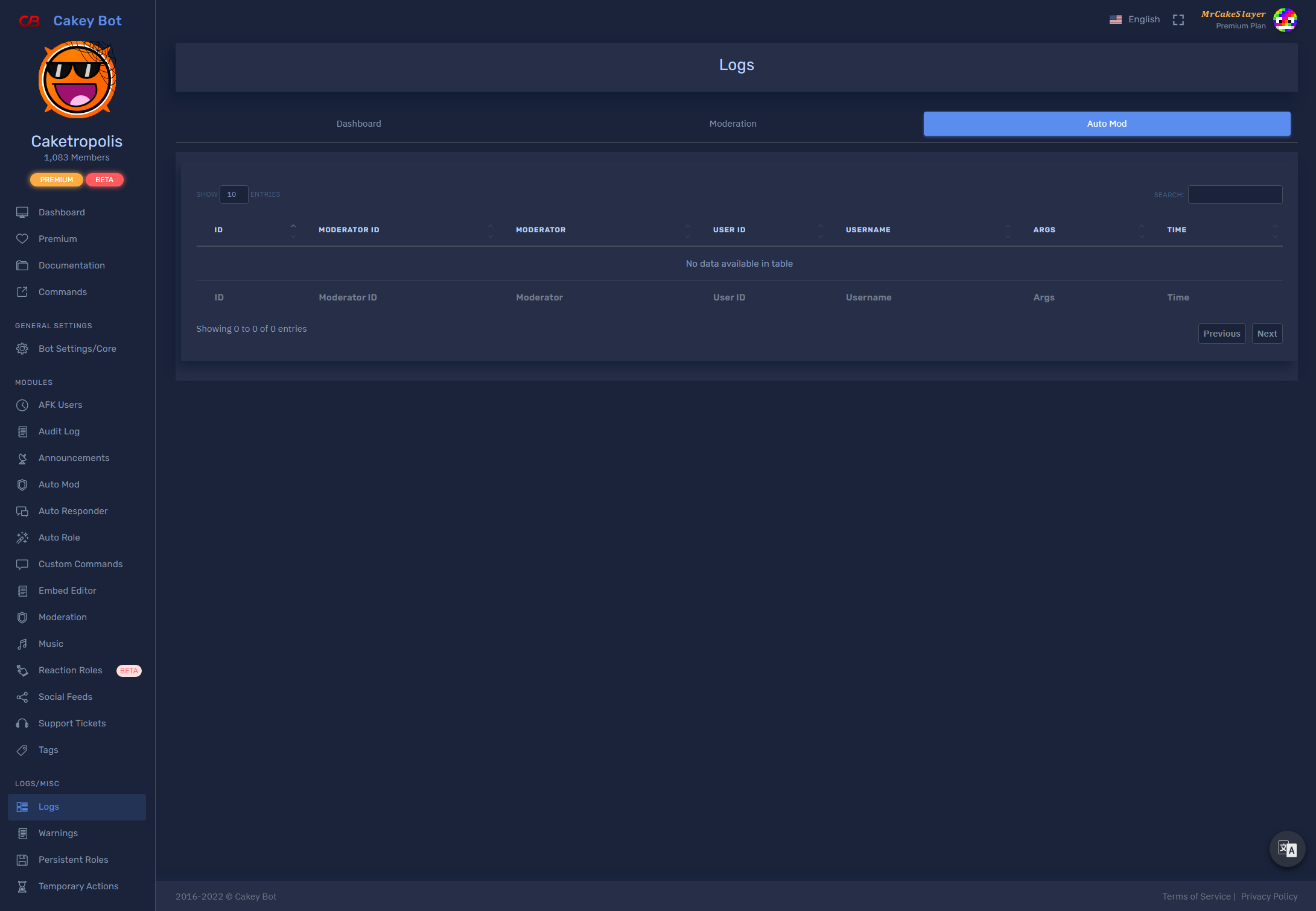
These logs are added whenever a user triggers automod in your server. Each entry includes the time of the Auto Mod violation, the Discord tag of the user who triggered it, and which filter they triggered.
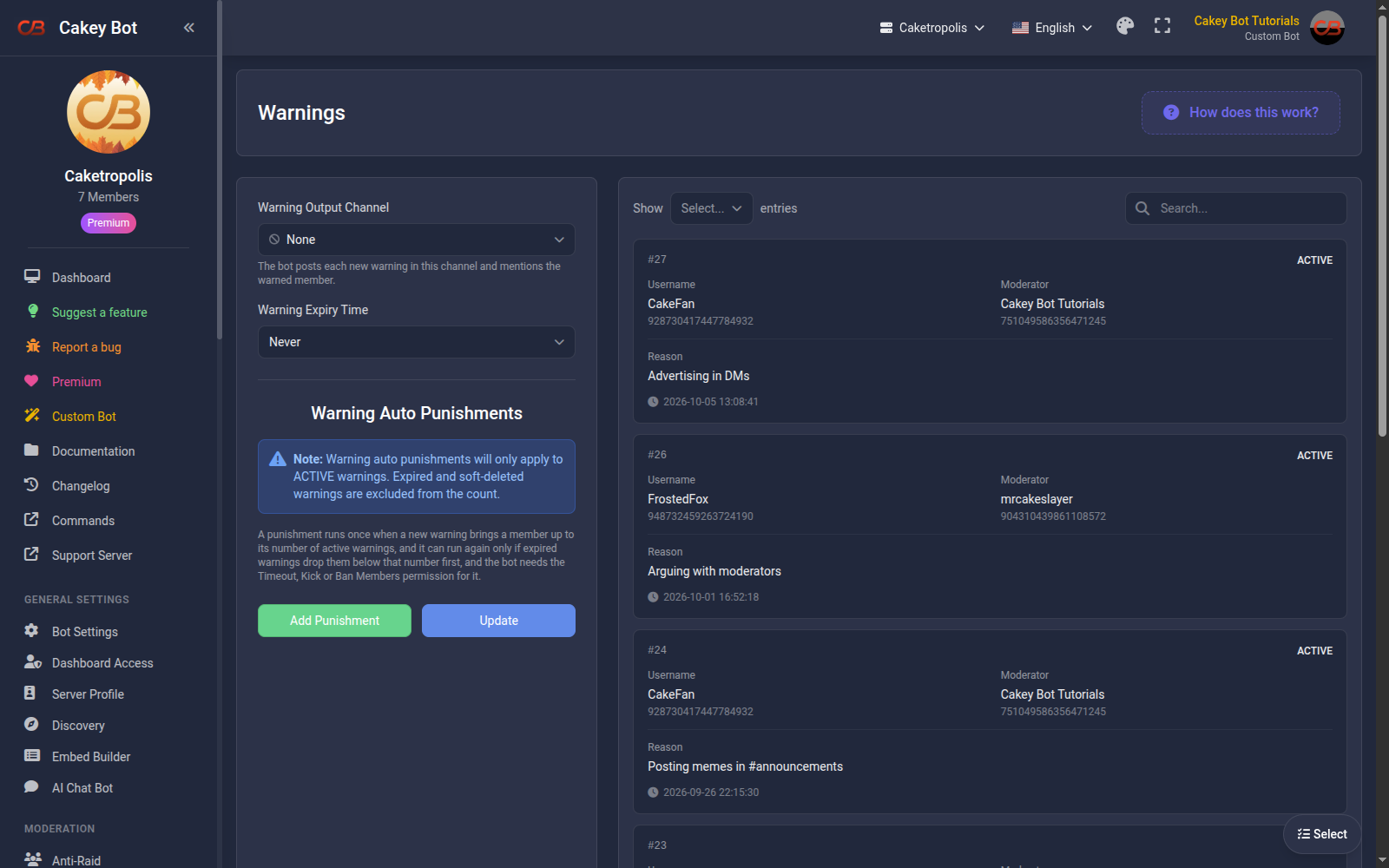
Warnings
These logs are added whenever a moderator warns a user. Each entry includes the time of the warning, the Discord tag of the user who was warned, the Discord tag of the moderator, and the reason for the warning.
To clear warnings from users in your server, use the /clearwarnings command.
Persistent Roles/Mutes
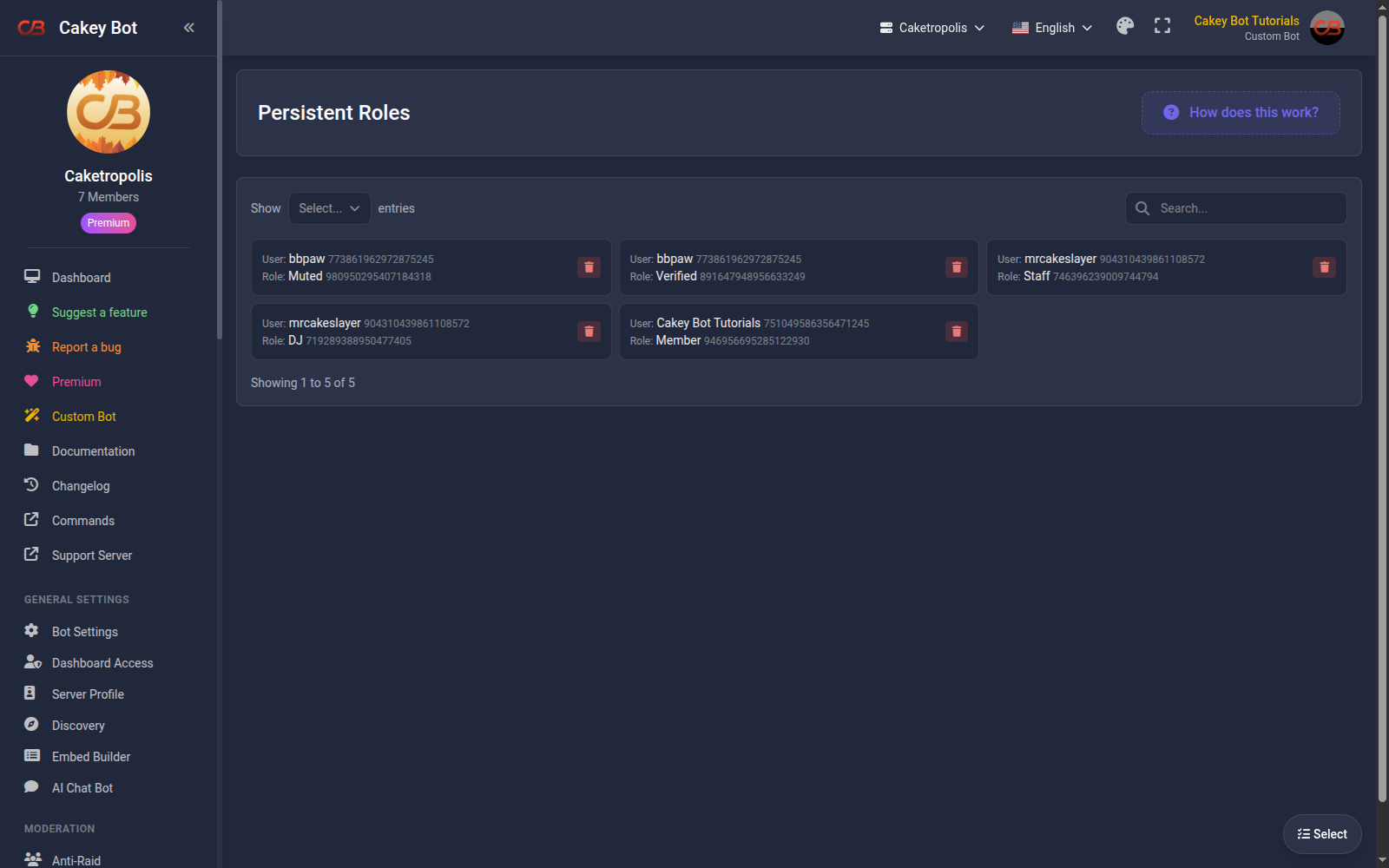
This page lists all of the persistent roles applied to users, including any persistent mutes. These roles are automatically re-applied to users if they leave and rejoin your server. You can also delete these roles from specific users with the delete button.
Temporary Roles/Actions
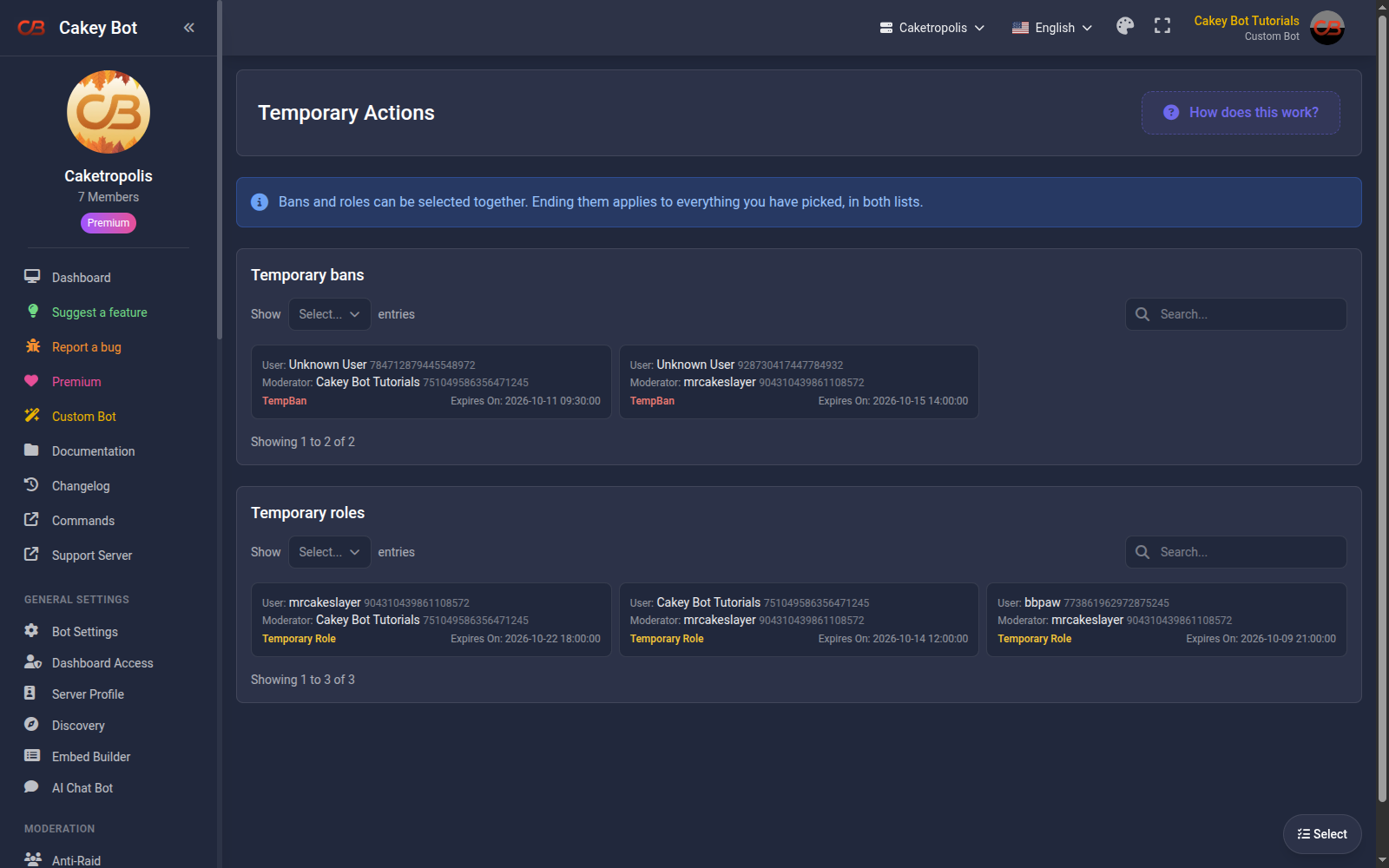
This page has two lists: temporary bans made with /tempban and temporary roles made with /role temporary. They expire automatically at a set time in the future. To end entries early, select them and press End now. See Muting.